Bank Statement Won't Import into QuickBooks, Xero or Sage? Here's Why
The usual reasons a bank statement import fails — wrong file type, date format, header rows, currency symbols — and how to get a clean, balance-verified file that imports the first time.
You've got the statement, you hit Import, and the accounting software rejects it — wrong format, no transactions found, or a wall of mangled dates. Here's what actually goes wrong, in order of how often it's the culprit, and how to fix it for good.
1. You're uploading a PDF
The single most common reason. QuickBooks, Xero, Sage, Wave, and FreshBooks do not import PDFs. They take OFX, QBO, QFX, or CSV. If all you have is a PDF (or a scan), you have to convert it to one of those formats first — that's the whole task, not an afterthought.
→ Convert the PDF to OFX/CSV/QBO, then import the converted file.
2. The date format doesn't match
Imports fail silently or shift every transaction when the date format is wrong — MM/DD/YYYY (US) vs DD/MM/YYYY (UK). Sage and Xero are strict about this. On import, set the date format to match the file, or use a converter that outputs one consistent format.
3. Extra header rows or merged cells
A CSV with a bank logo row, an account-summary block, or merged header cells confuses the importer — it reads the wrong row as data. The file needs exactly one header row and clean columns. A PDF converter that outputs import-ready CSV avoids this; a hand-copied spreadsheet usually doesn't.
4. Currency symbols in the amount column
$1,240.00 is text, not a number. Importers choke on the $ and the comma. Amounts must be plain numeric — the export strips symbols so amounts import as numbers.
5. Missing required columns
Each tool wants specific columns: Wave and FreshBooks need Date, Description, Amount; Sage/Xero map Date / Amount / Reference. Miss one and the import bounces.
6. File too large
FreshBooks caps a CSV at 500 rows; other tools slow down or time out on huge files. Split a long catch-up into monthly files.
The reliable fix
Most of these come from a messy hand-built CSV or the wrong file type. Convert the statement once into a clean, import-ready file:
- Convert Bank Statements — drop in the PDF or scan.
- Every account is reconciled (opening + deposits − withdrawals = closing); a misread digit is flagged instead of exported, so you're not importing broken numbers.
- Export the format your software wants — OFX/QBO for the least mapping, or clean CSV — and import.
Guides per tool: QuickBooks · Xero · Sage · Wave · FreshBooks.
FAQ
Why does my import say "no transactions found"? Usually a wrong header row or a PDF the tool can't read. Convert to a clean CSV/OFX with one header row.
OFX or CSV — which imports more reliably? OFX/QBO, because it carries the fields the software expects, so there's less manual mapping to get wrong.
How much does it cost? 15 free pages on sign-up. Page packs start at $12 and never expire. See pricing.
Convert a statement that imports the first time →
Related guides
- Convert a scanned bank statement (OCR)
- The check every bank-statement converter skips
- Catch-up bookkeeping: convert a year of statements
QuickBooks is a trademark of Intuit Inc.; Xero of Xero Limited; Sage of The Sage Group plc; Wave of Wave Financial Inc.; FreshBooks of 2ndSite Inc. Not affiliated with or endorsed by any of them.
More Posts
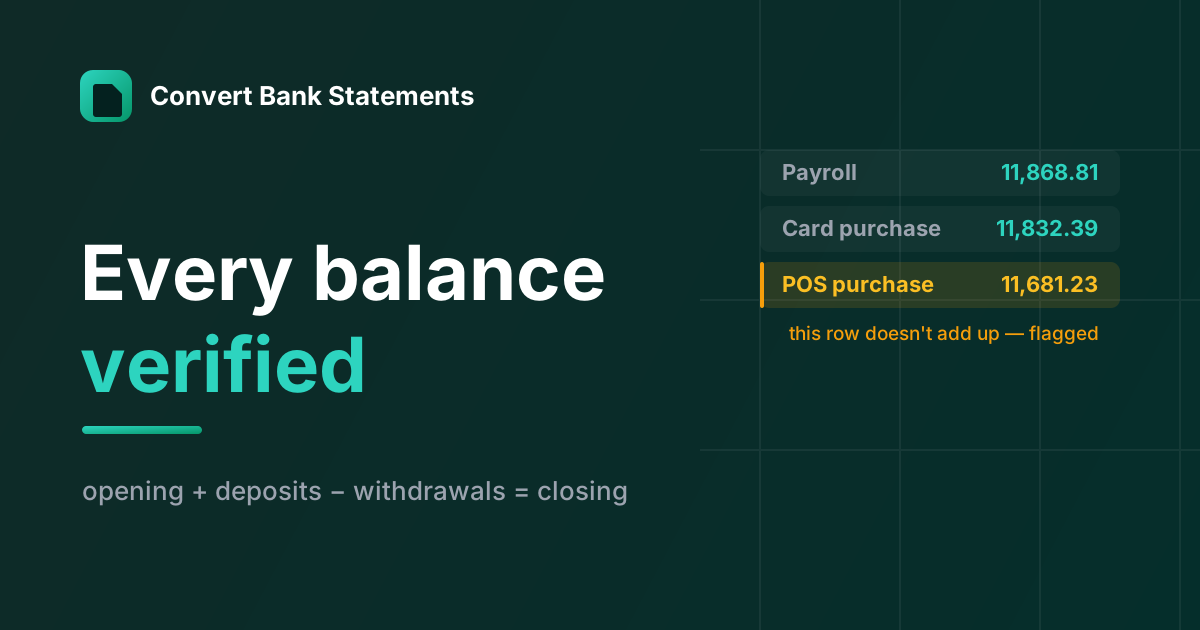
The Check Every Bank-Statement Converter Skips
Modern OCR reads a bank statement fine. Almost no converter checks whether it read it right — here's the balance-verification logic we built the product around.

How to Convert Bank Statements to Excel for a Loan or Mortgage Application
Lenders ask for months of PDF statements. Convert them to Excel — every balance verified — to total income, average deposits, and hand your broker or underwriter clean numbers.
How to Convert a Credit Card Statement to Excel or QuickBooks
Turn any credit card statement PDF — Visa, Mastercard, Amex, Discover — into Excel, CSV, or a QuickBooks .QBO file with charges and payments signed correctly. Every balance verified.
Newsletter
Join the community
Subscribe to our newsletter for the latest news and updates