How to Convert Bank Statements to QuickBooks (QBO & OFX)
Import a bank statement PDF straight into QuickBooks Online or Desktop using a native .QBO or OFX file — no manual entry. A step-by-step guide.
QuickBooks can import bank transactions — but only in specific formats. If all you have is a PDF statement, you are stuck retyping, unless you convert it first. Here is how to get a bank statement PDF into QuickBooks cleanly, using a native .QBO or .OFX file.
CSV vs. QBO/OFX: which should you use?
QuickBooks accepts a few formats:
- CSV — flexible, but you have to map columns each time, and QuickBooks Online is picky about formatting.
- .QBO (Web Connect) — the native QuickBooks format. It imports directly with dates, amounts, and descriptions already mapped.
- .OFX — an open format that QuickBooks, Xero, and most accounting software read.
For QuickBooks, a native .QBO file is usually the smoothest option: fewer mapping steps and fewer import errors.
Step by step
- Open Convert Bank Statements and upload your statement PDF.
- Once it is converted and the balance is verified, download the QuickBooks .QBO file (or OFX).
- In QuickBooks Online: go to Transactions → Bank transactions → Upload from file, select your .QBO file, and choose the account.
- In QuickBooks Desktop: go to File → Utilities → Import → Web Connect Files.
- Review and accept the imported transactions.
A note on account numbers
A .QBO file references a bank account. For your privacy, the converter never embeds your real account number in the exported file — it uses a neutral placeholder. QuickBooks asks which account to import into, so you stay in control.
Getting the numbers right
Before you import, the converter reconciles every statement: opening balance plus transactions should equal the closing balance. If it does not, the file is flagged so you can review it rather than importing broken data into your books.
FAQ
Does this work with QuickBooks Online and Desktop? Yes — .QBO imports into both, and OFX works too.
What if my bank is not on a supported list? The converter reads the statement itself, so it is not limited to specific banks.
Is my data safe? The original PDF is auto-deleted in 24 hours and your data is never used to train AI. See our Privacy Policy.
Convert a statement to QuickBooks now →
Related guides
Author

Categories
More Posts
How to Convert a Huntington Bank Statement to Excel or QuickBooks
Turn a Huntington Bank statement PDF into Excel, CSV, or a QuickBooks .QBO file — including older statements Huntington no longer offers as data downloads. Every balance verified.
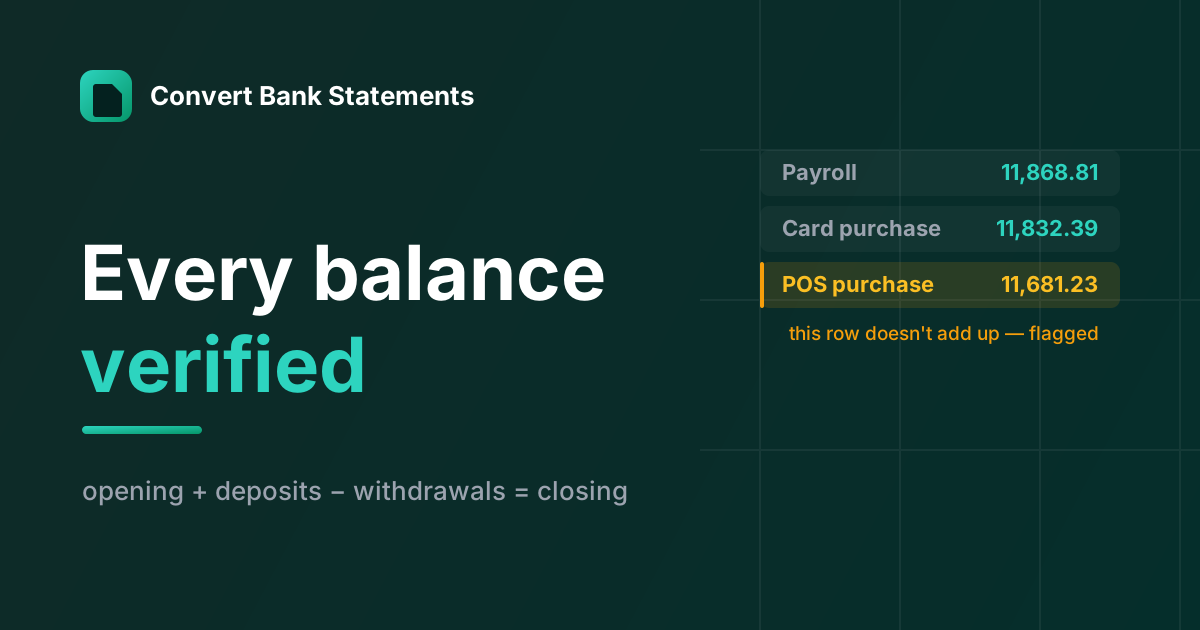
The Check Every Bank-Statement Converter Skips
Modern OCR reads a bank statement fine. Almost no converter checks whether it read it right — here's the balance-verification logic we built the product around.
How to Convert a U.S. Bank Statement to Excel or QuickBooks
Turn a U.S. Bank statement PDF into Excel, CSV, or a QuickBooks .QBO file — checking, savings, and U.S. Bank credit cards, with every balance verified.
Newsletter
Join the community
Subscribe to our newsletter for the latest news and updates