How to Convert a Huntington Bank Statement to Excel or QuickBooks
Turn a Huntington Bank statement PDF into Excel, CSV, or a QuickBooks .QBO file — including older statements Huntington no longer offers as data downloads. Every balance verified.
Huntington Online Banking lets you download recent activity, but the further back you go, the more you're stuck with PDF statements — a catch-up job, a prior tax year, a loan application. Here is how to convert a Huntington Bank statement PDF into Excel, CSV, or a QuickBooks .QBO file, including scanned copies.
Get your Huntington Bank statement PDF
- Sign in at huntington.com (or the Huntington mobile app) and open the account.
- Go to Documents (Statements & Documents) for that account.
- Pick the statement month and download the PDF. Huntington keeps several years of statements online — enough for most catch-up work.
Business accounts (Huntington Business Checking, Unlimited Business Checking) work the same way.
Convert it
- Open Convert Bank Statements and drop the Huntington PDF in.
- Every transaction is extracted automatically — no template setup.
- Check the balance badge: Balanced means beginning balance + deposits − withdrawals equals the printed ending balance.
- Export as Excel, CSV, QuickBooks (.QBO), or OFX and import via QuickBooks' Upload from file.
Huntington-specific tips
- Older statements are the whole point. Huntington's data download only covers recent history; anything older is PDF-only. That's exactly the catch-up scenario this workflow is built for — convert a year of PDFs in one sitting.
- Huntington Voice and other credit cards convert with correct charge/payment polarity, so QuickBooks doesn't read purchases as deposits.
- Combined statements with multiple accounts export one Excel worksheet per account and separate .QBO blocks — no flattened mess.
- Scanned or faxed copies work too; the balance check is what catches OCR misreads. See the scanned statement guide.
Is it accurate?
Every account is reconciled the way a bookkeeper would check it. If a row breaks the math, it's flagged for review instead of silently exported — so a misread digit can't sneak into your books. Details on our security page.
FAQ
Does this work for Huntington credit-card statements? Yes — Huntington checking, savings, and credit-card statements, digital or scanned.
How far back can I go? As far as your PDFs go. Huntington keeps several years online; anything you have as a PDF converts.
Is my data safe? Your PDF is auto-deleted in 24 hours and never used to train AI. See our Privacy Policy.
How much does it cost? Sign up and get 15 free pages. Page packs start at $12 and never expire — built for lumpy catch-up work, not subscriptions. See pricing.
Convert a Huntington Bank statement now →
Related guides
- Catch-up bookkeeping: convert a year of statements
- Convert a bank statement to QuickBooks (.QBO)
- Convert a scanned bank statement (OCR)
- Convert a Regions Bank statement
Not affiliated with or endorsed by Huntington. Huntington® and Huntington Bancshares are trademarks of Huntington Bancshares Incorporated / The Huntington National Bank. QuickBooks is a trademark of Intuit Inc.
Author

Categories
More Posts
How to Convert a Truist Bank Statement to Excel or QuickBooks
Turn a Truist statement PDF into Excel, CSV, or a QuickBooks .QBO file — including legacy BB&T and SunTrust statements from before the merger. Balances verified.
How to Convert an Ally Bank Statement to Excel or QuickBooks
Turn an Ally Bank statement PDF into Excel, CSV, or a QuickBooks .QBO file — checking, savings, or money market, single account or several. Every balance verified.
The Check Every Bank-Statement Converter Skips
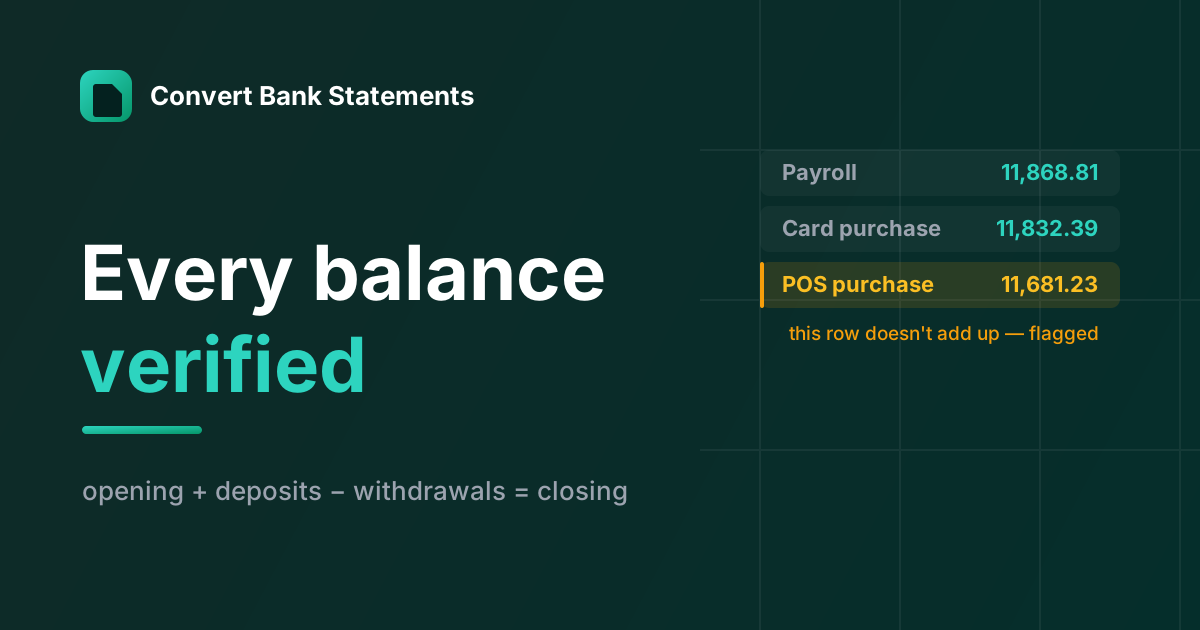
Modern OCR reads a bank statement fine. Almost no converter checks whether it read it right — here's the balance-verification logic we built the product around.
Newsletter
Join the community
Subscribe to our newsletter for the latest news and updates